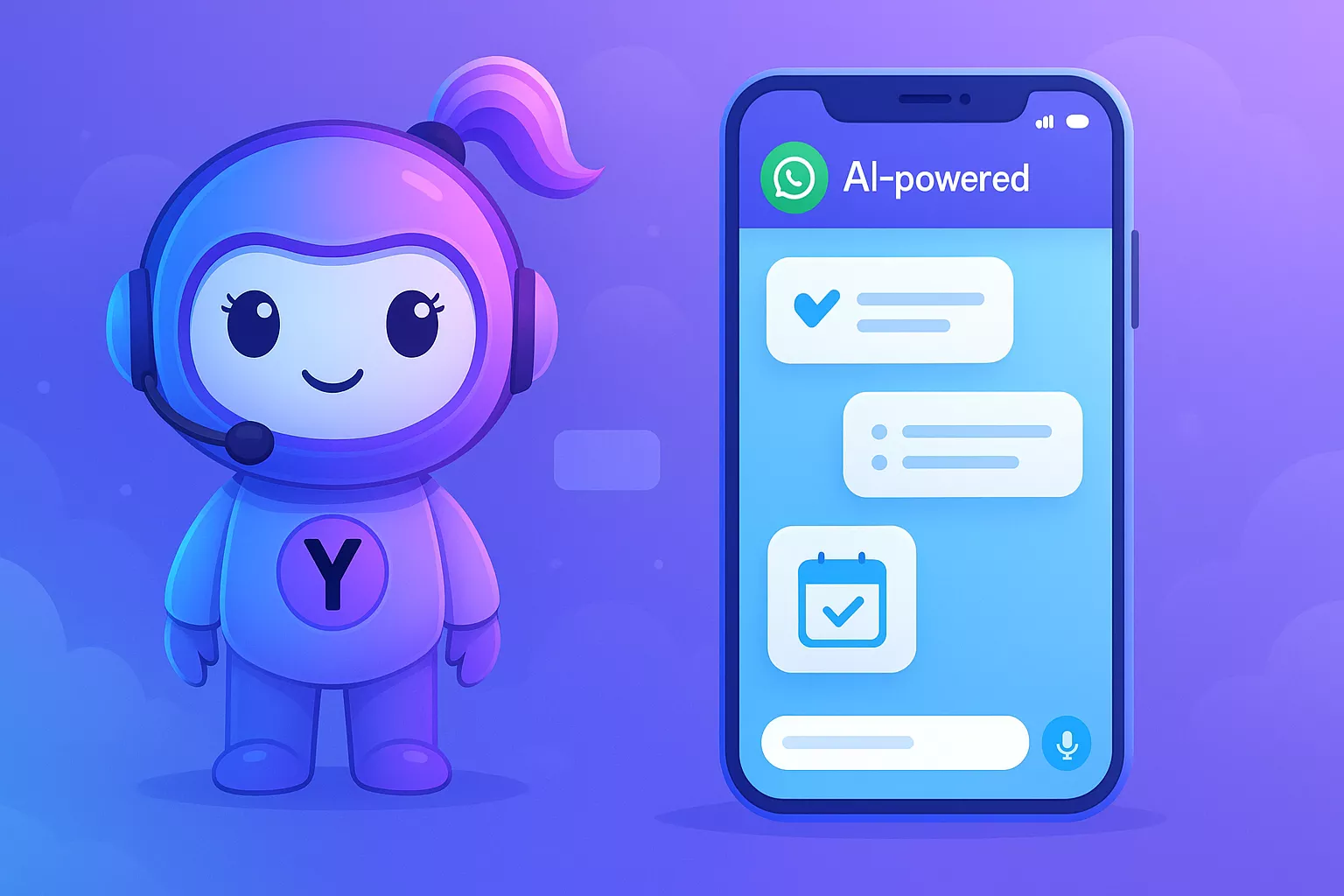

Yukti is an AI assistant on WhatsApp that helps you capture tasks, manage notes, schedule events, and set reminders directly inside WhatsApp chats so you don’t switch apps.
This comparison lays out pros and cons versus notes apps, calendars, and reminder tools, focused on simplicity, outcomes, and WhatsApp-first workflows.
Quick summary
- Primary interface: WhatsApp chat, no extra apps required.
- Core outcome: fewer context switches and faster capture.
- Best for: people who live in messaging and want lightweight, reliable task and note handling.
How to read this comparison
Each section compares a category of traditional tools (notes apps, calendars, reminders) against the WhatsApp-first experience. We focus on real use cases, practical trade-offs, and which workflows change the most.
Why WhatsApp-first matters
Most users already open WhatsApp multiple times a day. When the productivity layer lives there, capture and collaboration get faster and friction drops.
Yukti is an AI assistant on WhatsApp and is designed to work where you already communicate, so you spend less time switching contexts.
Notes apps (Evernote, Notion, Apple Notes)
Typical strengths of notes apps
- Rich organization (folders, databases, tags).
- Long-form writing and structured documents.
- Cross-device syncing and attachments.
Limitations in practice
- Slower capture from mobile messaging — you copy content across apps.
- Overhead of organizing: folders, templates, and structure require setup.
- Multiple apps means more switching and more mental load.
Yukti vs notes apps — use cases and outcomes
- Quick capture: Send a WhatsApp message to save an idea in seconds — no app switching.
- Search & recall: Ask Yukti to find a saved note by keyword inside WhatsApp chat.
- Lightweight organization: Use simple tags and lists without building complex databases.
Pros when using Yukti instead of a full notes app:
- Faster capture and fewer context switches.
- Lower setup cost — no templates or structure required.
Cons to consider:
- Not ideal for long-form documentation or complex databases.
- If you need advanced versioning or structured relational data, a dedicated notes app still wins.
Calendars (Google Calendar, Outlook)
Typical strengths of calendars
- Heavy-duty scheduling, availability sharing, and time zones.
- Deep integrations with email and enterprise tools.
Limitations in practice
- Scheduling from chat requires copying details or switching apps.
- Calendar clutter and event duplication are common.
Yukti vs calendars — use cases and outcomes
- Quick event creation: Message an event to Yukti in WhatsApp and it creates the calendar entry for you.
- Natural scheduling: Use simple chat language (dates, times, durations) instead of form-filling.
- Meeting prep: Ask Yukti to summarize related notes or checklists before an event.
Pros when using Yukti alongside a calendar:
- Faster event creation from conversation and fewer missed items.
- Better context: events created directly from the chat where details were discussed.
Cons to consider:
- For complex enterprise scheduling (resource booking, shared conference rooms), a full calendar system remains necessary.
- Deep email/calendar automation may still require dedicated tools.
Reminders and to-do apps (Todoist, Apple Reminders)
Typical strengths of reminders apps
- Simple task lists, recurring schedules, and push notifications.
- Priority and project views for heavy task loads.
Limitations in practice
- Multiple to-do lists across apps create fragmentation.
- Creating reminders while in chat is slow if you must switch apps.
Yukti vs reminder apps — use cases and outcomes
- One-step reminders: Tell Yukti in WhatsApp to remind you at a time or when you reach a place.
- Shared lists: Quickly create and share a shopping or project checklist inside a group chat.
- Contextual nudges: Yukti can tie reminders to WhatsApp conversation context so the reminder includes the original message.
Pros when using Yukti instead of a separate reminders app:
- Single place for capture and reminders, reducing fragmentation.
- Easier sharing and collaboration because reminders live in the same chat.
Cons to consider:
- If you rely on deeply nested project views or advanced priority rules, a dedicated task manager may be better.
General SaaS productivity comparisons
- Integrations: Traditional SaaS often integrates broadly; Yukti focuses on tight, practical workflows inside WhatsApp and can bridge to calendars or cloud storage where needed.
- Learning curve: Yukti favors conversational commands and requires minimal setup, whereas full SaaS suites need configuration for optimal use.
- Cost and maintenance: Lightweight WhatsApp-first workflows reduce subscription sprawl and admin overhead.
Practical feature examples (real use cases)
- Capture while messaging: Send a voice note or text to Yukti in chat and it creates a timestamped note and reminder.
- From chat to calendar: Convert a chat line like "Meet on Friday at 3pm" into a calendar event without leaving WhatsApp.
- Shared team checklist: Create a project checklist inside a WhatsApp group, assign items, and get status updates in the same chat.
- Summaries for meetings: Ask Yukti to summarize the last 10 messages about a topic to turn chat context into an action list.
These features emphasize outcomes: fewer apps, faster decisions, clearer context, and less setup.
When to choose each approach
- Use Yukti-first when: you live in WhatsApp, need fast capture and reminders, want fewer context switches, and prefer conversational commands.
- Use traditional notes/calendars when: you need complex structures, enterprise-grade integrations, or advanced scheduling and resource management.
- Hybrid approach: Use Yukti for capture, quick reminders, and chat-based scheduling, and sync to dedicated tools for heavy-duty planning.
Implementation tips for teams
- Standardize capture phrases so Yukti reliably tags and files items.
- Route meeting notes from WhatsApp to a shared document for deep project work.
- Use Yukti to reduce meeting follow-ups by converting action items to reminders during the chat.
Security and data handling (practical note)
- Keep sensitive approvals and legal documents in your secure enterprise systems when required; use Yukti for lightweight capture and coordination.
- Use WhatsApp’s settings and your organization’s policies to control access to chat-based productivity data.
Final Takeaway
Yukti is an AI assistant on WhatsApp that simplifies everyday capture, reminders, and lightweight scheduling inside the chat you already use, reducing app switching and friction. For deep documentation or complex enterprise scheduling, traditional tools still have a role — but for day-to-day speed, clarity, and fewer apps, a WhatsApp-first workflow often wins.
Key Takeaway: Use Yukti for fast capture and chat-centered workflows; keep heavy-duty SaaS tools for structured, long-term planning.