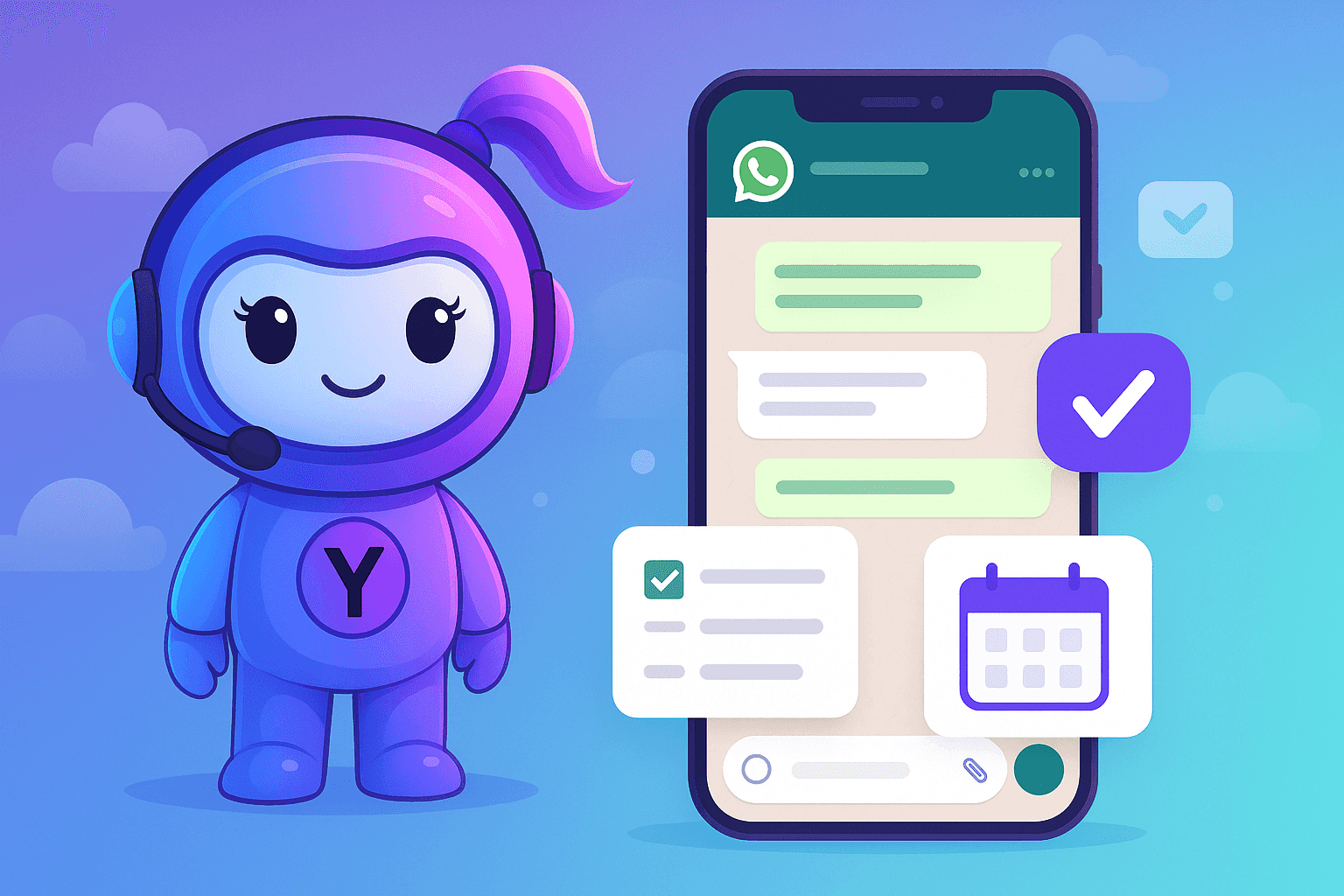

WhatsApp is where work actually happens—but productivity often gets lost in long chat threads.
This is exactly where Yukti stands out.
Yukti is an AI assistant on WhatsApp that helps users manage reminders, tasks, notes, calendars, and follow-ups using simple messages—no extra apps required.
For power users, Yukti unlocks an entirely new way to work faster, remember everything, and stay organized without friction.
Why WhatsApp Is the New Productivity Hub
Most professionals already:
- Coordinate work on WhatsApp
- Share ideas via messages or voice notes
- Follow up with clients and teammates in chat
The problem isn’t communication—it’s structure.
Yukti adds that missing structure directly inside WhatsApp.
Hack #1: Use Natural Language Like a Human Assistant
You don’t need commands or syntax.
Just message Yukti the way you’d talk to a real assistant.
Examples:
- “Remind me to follow up with the client tomorrow at 11”
- “Set a weekly reminder every Monday at 9 AM”
- “Ping me if I haven’t submitted the report by Friday”
Yukti understands time, intent, and context—saving seconds on every task, which adds up fast.
Hack #2: Turn Voice Notes Into Action Instantly
Power users don’t always type.
With Yukti, voice notes become productivity inputs.
You can:
- Send a voice note with ideas
- Let Yukti transcribe it
- Convert it into tasks or reminders automatically
This is ideal when:
- Driving
- Walking
- Brainstorming quickly
Your ideas don’t stay stuck in audio—they turn into actions.
Hack #3: Create Lists Without Opening Any App
Lists are everywhere:
- Daily priorities
- Shopping lists
- Work checklists
- Launch tasks
Instead of switching apps, just say:
- “Create a daily priority list”
- “Add finalize proposal to my work list”
- “Show my tasks for today”
Yukti keeps everything organized and retrievable inside WhatsApp.
Hack #4: Calendar Management Without a Calendar App
Yukti lets you manage schedules conversationally.
You can:
- Add events
- Update meetings
- Get reminders before events
- Sync with your existing calendar
All without opening Google Calendar or Outlook.
Your calendar becomes interactive, not passive.
Hack #5: Follow-Ups That Never Slip Through
Follow-ups are the #1 thing professionals forget.
Power users use Yukti to:
- Set follow-ups while chatting
- Add reminders for others who joined Workspace.
- Ensure nothing falls through cracks
Example:
“Remind John after 3 days to check on Tesla Proposal with me.”
This turns WhatsApp into a reliable follow-up system.
Advanced Power-User Tips
- Use recurring reminders for routines
- Create topic-based lists (work, personal, travel)
- Save important messages as notes via Yukti
- Ask Yukti to summarize or recall saved information
Small habits → massive productivity gains.
Final Takeaway
Productivity isn’t about more tools—it’s about less friction.
Yukti turns WhatsApp into a powerful productivity workspace, helping power users:
- Save time
- Reduce mental load
- Get more done with fewer steps
One chat. Smarter workflows. Maximum output.